
ACS MEMBER PORTAL

One place for your school's ACS membership & resources.

Manage enrolments and staff, keep your school details current, and access ACS resources including the Keeping Faith Matrix — all in one secure portal.

Manage MembershipEnrolment ReturnsStaff & Roles Keeping Faith MatrixThe Water We Swim InProfessional DevelopmentEvents & Networking
Christian education for the common good

Sign in

Welcome back. Sign in to your school's ACS portal.

Forgot password?

New to ACS? Create an account

Your data stays with ACS, stored securely in Australia. Privacy & Data Statement

ACS Member Portal

Welcome back, Riverside Christian

Everything for your ACS membership and resources in one place. Pick a module below to get started.

PortalManage Your ACS Membership

Manage Your ACS Membership

Submit enrolment returns, manage your staff and their access, and keep your school's details current.

Submit enrolment numbers

Enter your headcount for the current collection. Submissions are stored in your archive and reported to ACS.

Submission archive

0 returns

Staff & access

Add staff, assign their role, and choose which parts of the portal they can use.

Access marked above is what each staff member can open. Which modules your school can access at all (e.g. Resources) is set by ACS.

School information

These details appear on ACS records and exports.

Membership status

Need to change your membership type or billing arrangement? Contact ACS and we'll update your record.

PortalResources

Resources

Tools, frameworks and media from ACS. Access to resources is enabled by ACS for your school.

Professional Development

ACS professional development — courses, the 'Keeping Faith' short-course, webinars and more — lives in our community app, ACS Together.
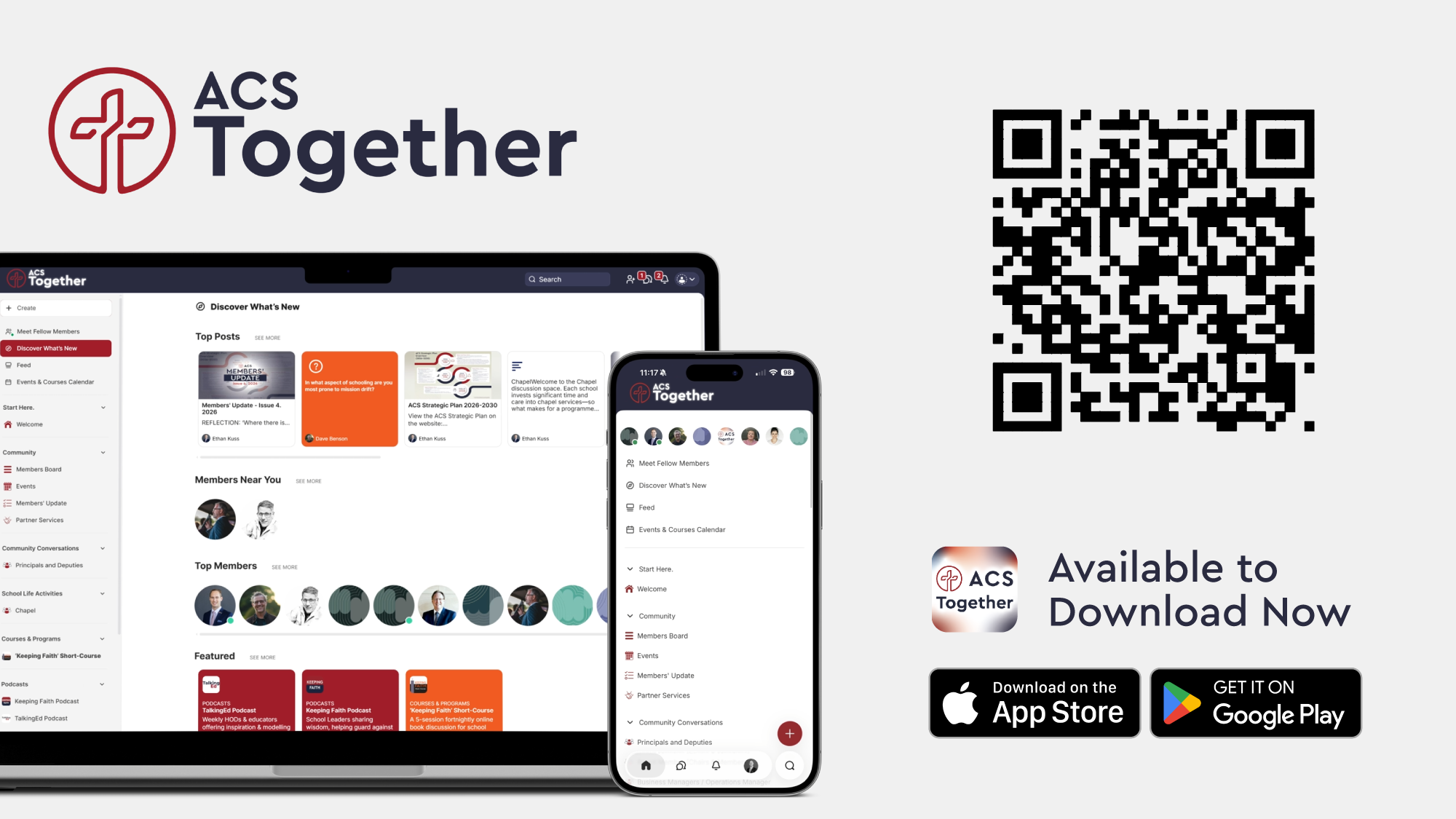
ACS Together — available to download now

Events & Networking

Member events, networking and connection happen in ACS Together. Download the app to RSVP, meet fellow members and stay in the loop.

ACS Together — available to download now

School & organisation accounts

Approve registrations, manage account details, and control which modules each account can access.

Enrolment data

View and export enrolment returns, and manage the February and August reminders.

Reminder schedule

Automatic emails prompt schools to submit each collection.

Send a manual reminder

Send an immediate reminder to selected schools.

Staff directory

All staff across member accounts. Export by school, by role, or the whole network.

Staff roles

Define the roles schools can assign to staff. Mark roles as required so every school must record them.

Add a role

New roles become available to all schools.

Modules

Manage the resources and tools available in the portal. New modules can be added here.

ACS staff (administrators)

People at ACS with access to this admin area.

Network dashboard

An overview across all accounts. Filter to a single school for its detail.

Enrolments by collection

Network insights

AI-assisted, generated from portal data

Admin settings

Notifications and portal-wide configuration.

Notifications

New registrations send an approve / decline notification here.

Security & data

These controls map to back-end security settings configured during build.

Keeping Faith Matrix
Prototype · view as